Luxury shopping deserved more than an endless feed
Fashion marketplaces sell everything to everyone. Buyers of premium pieces wanted confidence in what they were buying and who they were buying from, and premium brands wanted a storefront that matched their reputation.
Trust is the product
At luxury prices, shoppers need proof that a brand is real and an item is authentic before they pay.
Too much, too loud
Crowded grids and constant discounts work against the calm, editorial feel premium buyers expect.
Brands need their own tools
Sellers had to list products, price them and manage orders without a desktop or a team.
After the purchase
High-value orders need clear delivery choices and tracking, so the experience stays premium until the box arrives.
How might we make buying and selling luxury fashion on a phone feel as considered as walking into a flagship store?Design challenge
The customer app
Discover curated collections, explore brand spotlights and check out in three steps.
- Editorial onboarding and curated home
- Verified brand spotlights
- Wishlist, cart and three-step checkout
- Five-stage order tracking
The brand app
List a product in minutes, keep the catalogue in order and follow every sale.
- Store dashboard with revenue and orders
- Category-led, three-step product listing
- Products by status: live, pending, draft
- Orders, order details and analytics
A first impression that reads like a magazine
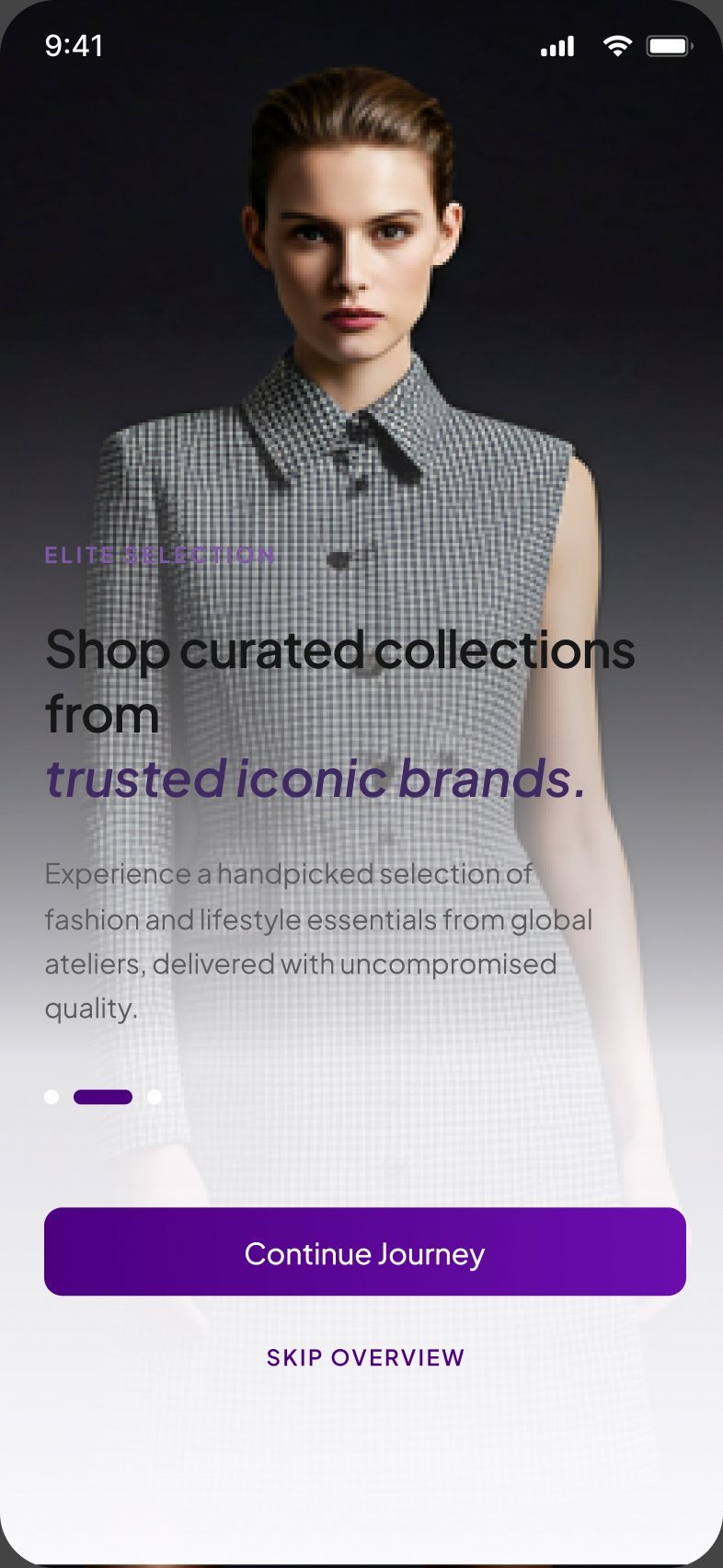
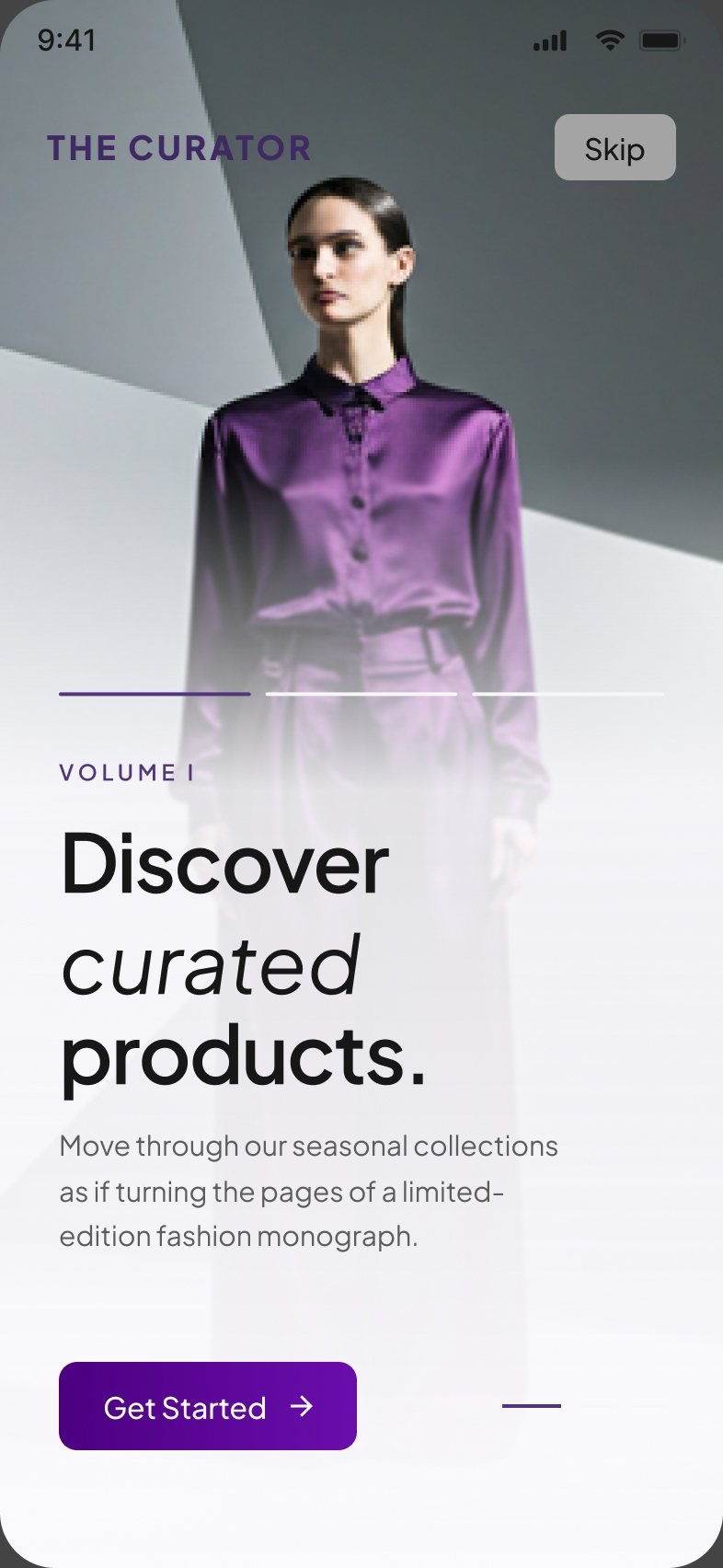
Onboarding sets the tone before a single product appears: full-bleed fashion photography, serif headlines and one clear action on every screen.
Curated, not crowded
The home screen opens on new arrivals and trending brands, with the numbers that build trust shown up front. Brand spotlights give each label its own editorial page.
Verified items, luxury brands and trusted sellers are counted right under the hero, and every brand carries a verified badge.
A spotlight page pairs the brand's story with its newest arrivals, trending pieces and sets.
Let the product take the stage
Product pages lead with large imagery and a gallery, then the brand, rating and price. Categories open with a campaign image and a single line of copy.
Two thirds of the product screen belongs to the photography, with save and share always in reach.
Saved items show their current discount and a quick add-to-bag, so a wish can become a purchase in one tap.
From bag to doorstep, without doubt
A three-step checkout and a five-stage tracking timeline keep high-value orders clear from payment to delivery.
A flagship store in a brand's pocket
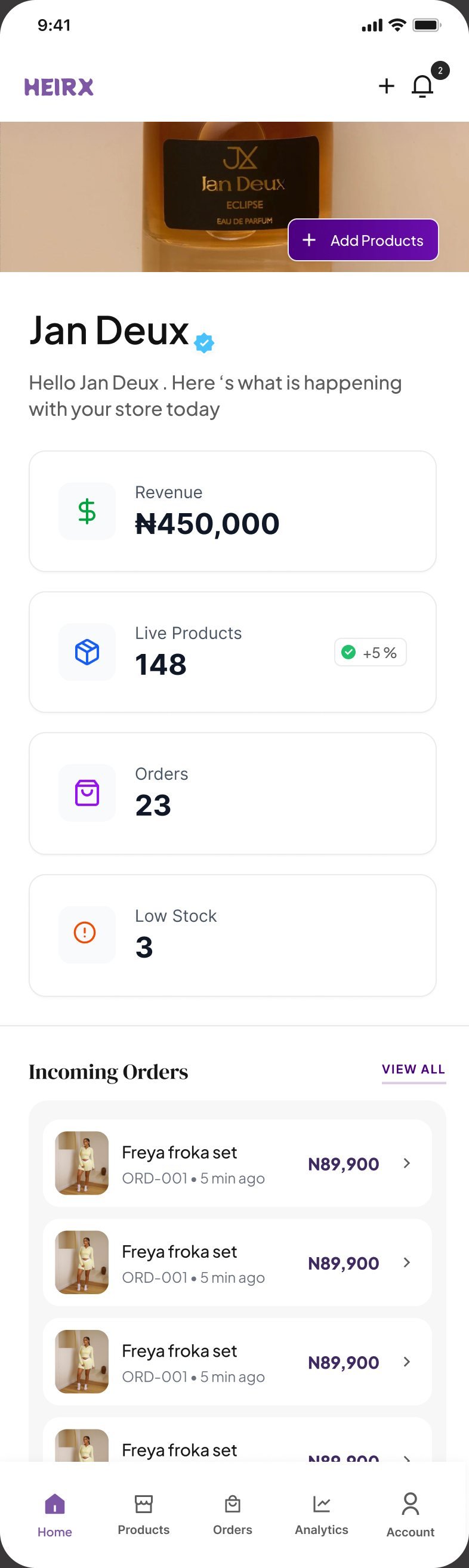
The brand app greets each label with its own storefront image, then the numbers that matter today: revenue, live products, orders and low stock.
Every core job, from adding a product to fulfilling an order, works end to end on a phone.
Revenue, live products, orders and low-stock alerts sit above incoming orders, so a brand knows what to do first.
From idea to live in three steps
Brands start by choosing what they're adding. The form then adapts to the category, and a step bar shows how far they are from publishing.
Clothing, bags, accessories and beauty each get their own form, such as available sizes for clothing.
Product information, pricing and review & publish are shown as three steps with a store-setup progress bar.
Every sale, accounted for
Orders are filtered by status, each opening to the items, sizes, colours, customer and totals. Analytics turns sales into trends and best sellers.
New, processing and completed orders are labelled on every card, with a direct "View order" link.
Revenue over time and best-selling products help brands decide what to restock and promote.
Quiet luxury, applied consistently
A restrained palette, an editorial serif and a small set of components carry the same mood through both apps.
Colour
Deep violet for every action, set against generous white and photography.
Typography
Aesthetic.
A serif for headlines and brand moments, a clean sans for everything you read and tap.
Status
One status language across products, orders and filters.
Trust marks
Berbie Beauty
Verified badges follow a brand everywhere it appears, from cards to spotlights.
Two apps, one marketplace
A complete customer app and brand app, designed end to end from first impression to delivered order.
Connected apps: one for customers, one for brands.
Steps to list a product, and three steps to check out.
Order tracking stages, from placed to delivered.
Product categories with tailored listing forms.
What I learned
Luxury is restraint
The premium feel came from what was left out: fewer colours, more space and photography given room to breathe.
Trust has to be visible
Verified badges, honest counts and clear delivery prices did more for confidence than any copy could.
Design both sides of the sale
Designing the brand and customer apps together meant every product a brand listed looked as good as the shopper expected.
Let the category lead
Starting product listing with "What are you adding?" kept forms short and relevant for every kind of item.
Let's create something timeless
Open to projects, collaborations and full-time roles.